Alternatives Dropbox Sign
SuperOffice vs Dropbox Sign
Dropbox Sign, formerly HelloSign, is simple to use and its paid plans include unlimited signature requests. The entry plan, Essentials, is $15 a month for one user with 5 templates. SuperOffice is for an office that also has to write the documents: it drafts them on your letterhead, keeps every format you make, and sends them for signature.
What the cheapest paid plan gets you
Dropbox Sign figures from Dropbox Sign’s own website, Nov 6, 2026.
Choose SuperOffice if
You reuse many document formats and want them written for you.
Choose Dropbox Sign if
Your files already live in Dropbox and you only need to sign them.
Side by side
SuperOffice and Dropbox Sign, feature by feature
| Feature | SuperOffice | Dropbox Sign |
|---|---|---|
| Entry plan | Solo $10/month | Essentials $15/month ($180 a year), 1 user |
| Team plan | Team $12/user/month | Standard $25/user/month |
| Signature requests | Unlimited | Unlimited on paid plans |
| Reusable formats | As many as you make, plus a template library | 5 templates on Essentials |
| Writes the document for you | Yes, from one line, on your letterhead | No |
| Upload a PDF or Word file and place fields | Yes | Yes |
| Signers need an account | No | No |
| Signing order | Yes | Yes |
| Free public page to verify a signature | Yes, by reference or QR code, no account | No |
| PDF tools (merge, split, compress, protect) | 16 included | No |
| Dropbox and cloud storage integration | Not yet | Yes |
| API | Not yet | Yes, on separate API plans |
| Free trial | 15 days, no credit card | 30 days |
Dropbox Sign details are from Dropbox Sign’s own website, read on Nov 6, 2026. Prices change, so check theirs before you decide. SuperOffice prices are in US dollars. Where SuperOffice says “Not yet”, it does not have it today.
Why teams switch
Why teams move from Dropbox Sign
Formats without a cap
If your office sends an offer letter, an NDA, a quote and a service agreement, that is already four of the five templates on Dropbox Sign Essentials. SuperOffice keeps every format you make, on every plan.
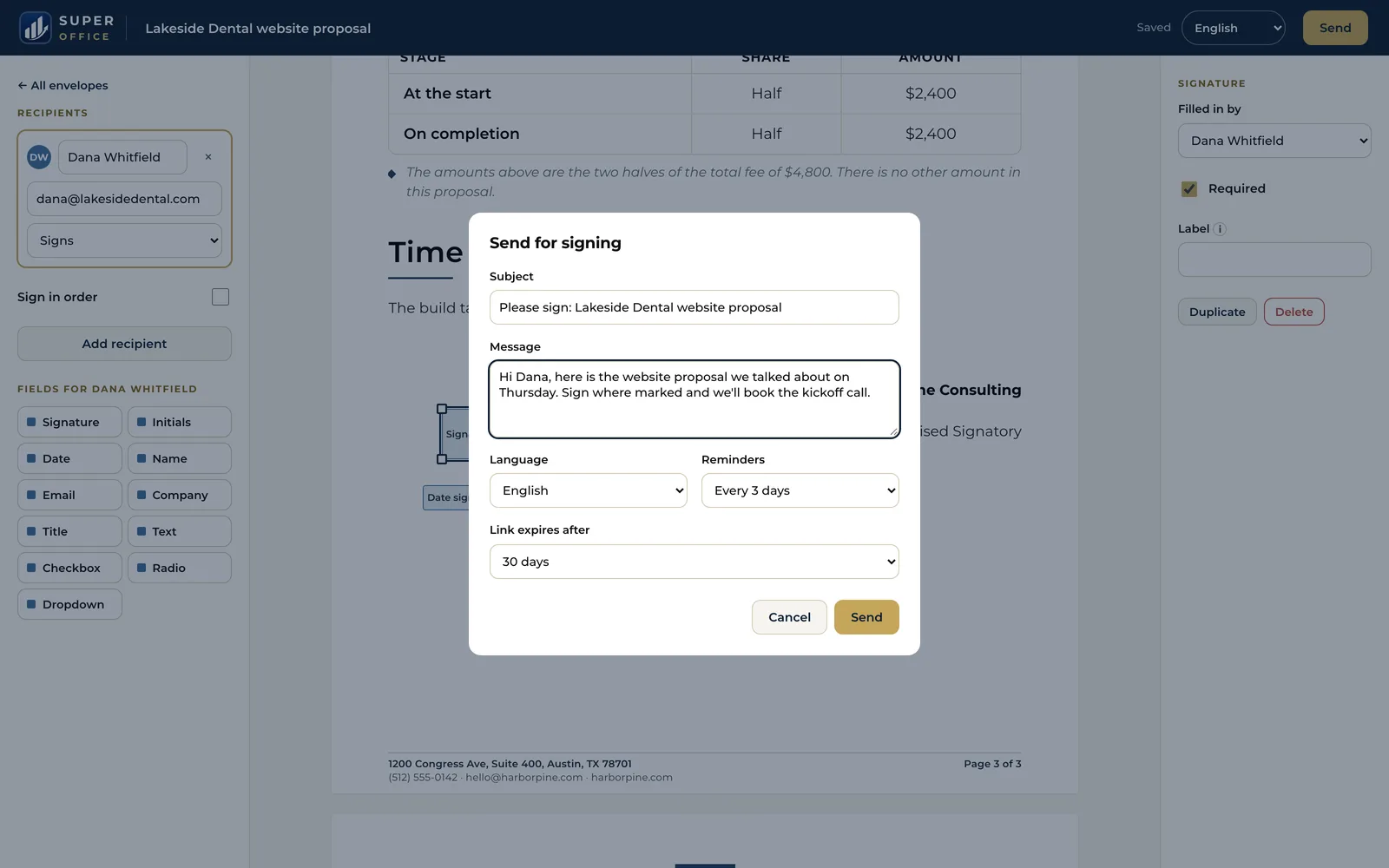
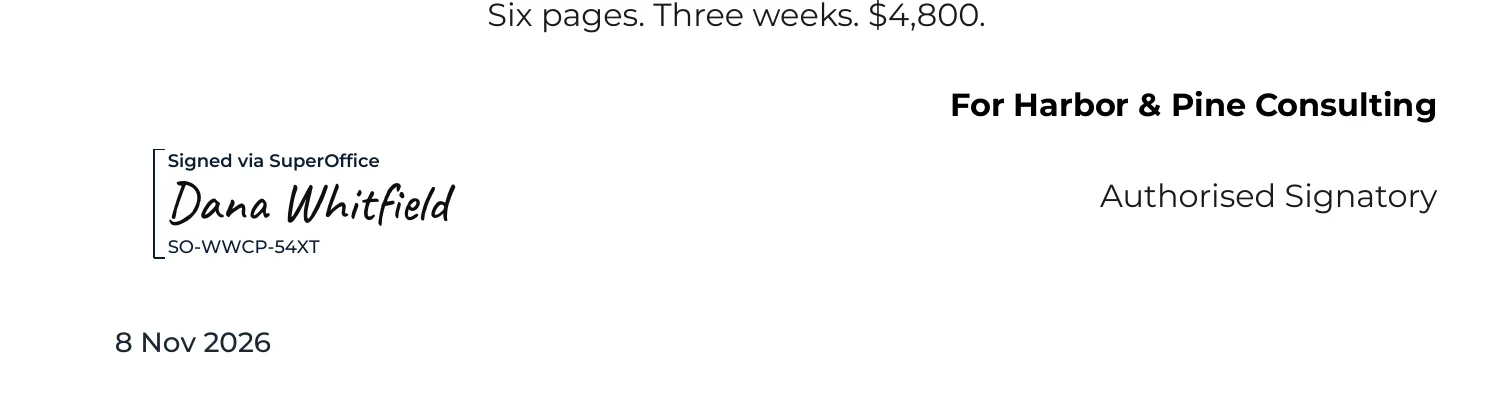
Written, then signed
Type what you need in one line. SuperOffice drafts the document in your company's layout and fills in your name, address and signatory. Edit it, then send it from the same screen.
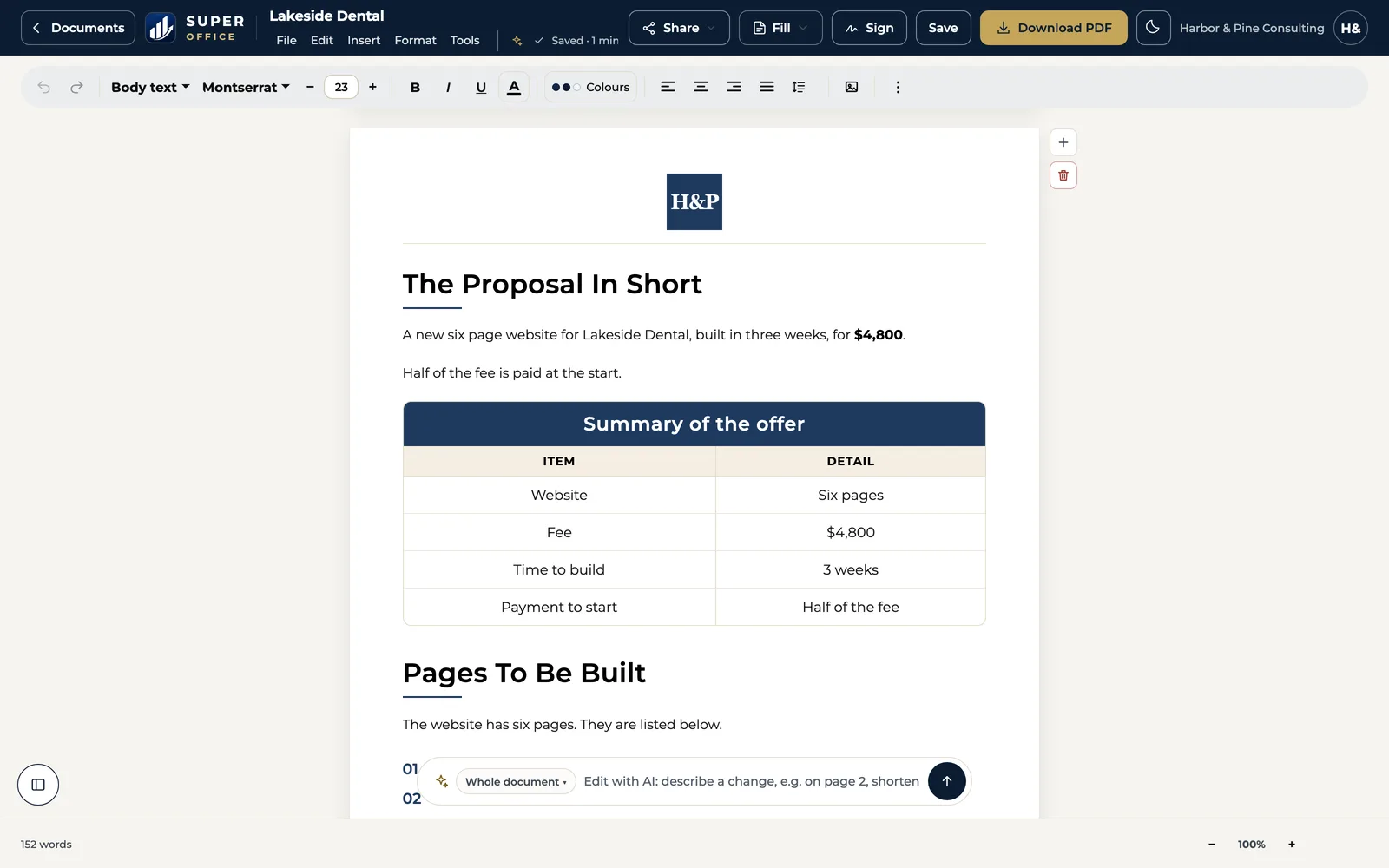
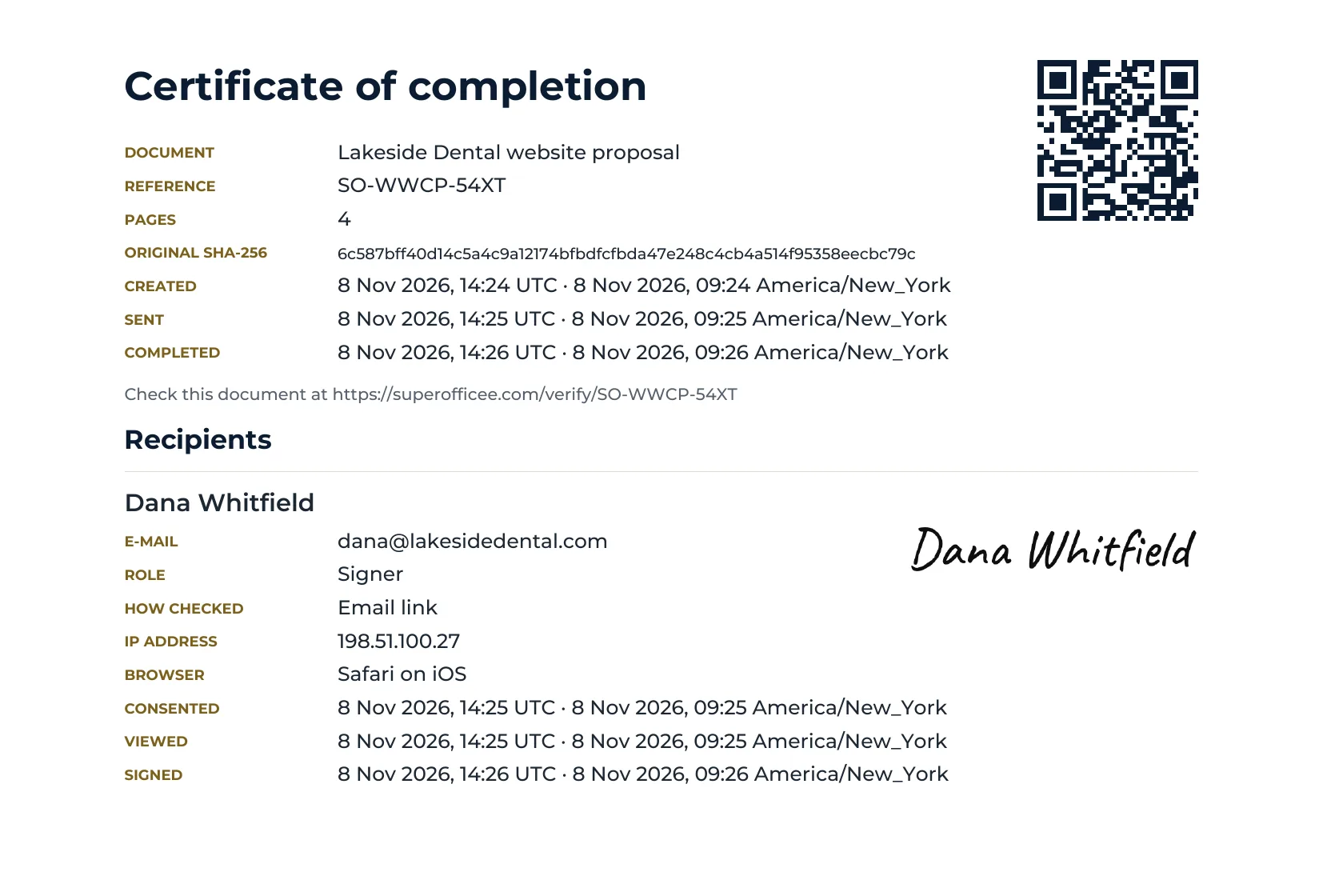
A public check for every signature
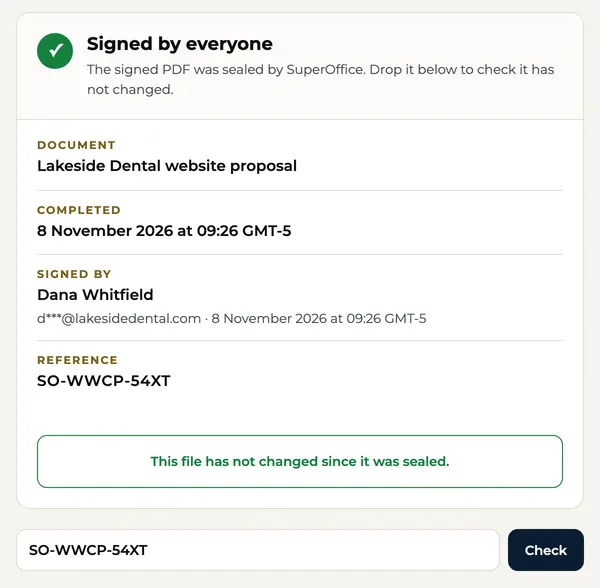
Each signed document carries a reference and a QR code that open a free verify page. Your client can confirm it without an account.
When Dropbox Sign may be the better fit
Dropbox Sign is a capable product. It is likely the better choice if:
- Your team already works in Dropbox and wants signed files saved there automatically.
- You need an e-signature API to build signing into your own product.
- You only need to sign documents you have already written.
- You want a 30-day trial rather than 15 days.
Switching from Dropbox Sign
Download your templates
In Dropbox Sign, download the file behind each template, and your completed documents with their audit trails.
Bring them into SuperOffice
Upload each file with Sign a PDF and place the fields, or paste the text into the builder to make it a format on your letterhead.
Send the next request
Add signers, choose the order and send. Reminders and an expiry date are built in.
Who makes it
A small team you can write to.
SuperOffice™ is built and run by Intelus Technologies. Rahul Kochar and Amit Jain own both companies, so a question about switching reaches a founder: work@superoffice.in.

 Rahul Kochar, Founder & CEO
Amit Jain, Co-founder & CTO
I’ve worked with Rahul and the team at Intelus Technologies for more than a decade, and it’s been a consistently positive experience.
 Brendan O’SheaPharmaxa Labs, client since 2012. A review of Intelus’ web and software work.
Questions people ask
Is SuperOffice a HelloSign alternative?
Yes. HelloSign is now called Dropbox Sign. SuperOffice also sends documents for signature with unlimited requests, and adds an AI writer, document formats on your letterhead and a public verify page.
How many templates does Dropbox Sign Essentials include?
As of Nov 6, 2026, Essentials is $15 a month ($180 billed yearly) for one user, with unlimited signature requests and 5 templates. Standard is $25 per user per month.
Can SuperOffice save signed files to Dropbox?
Not yet. You download the signed PDF from SuperOffice and save it where you like. If automatic saving to Dropbox matters, Dropbox Sign is the better fit.
Do my clients need to create an account to sign?
No. Each signer gets a private link by email, gives consent to sign electronically, adopts a signature by typing, drawing or uploading it, and finishes.
What files can I send for signature?
PDF and Word (.docx) files up to 50 MB, or any document you make in the SuperOffice builder.
Try it beside Dropbox Sign for 15 days.
Start with your work email. No credit card, unlimited documents, $10 a month after the trial.
Start 15-day free trial15 days free. No credit card.